Give each column a clear job
Start with seven rows, one for each day. Add columns called Dinner, Recipe link, People eating, Prep note and Ingredients to buy. If lunch is the meal that causes most friction, include a Lunch column; if breakfast is usually the same two choices, record those above the table rather than filling every cell.
A Prep note should describe one action, such as “move a frozen portion to the fridge” or “buy salad leaves on the way home”. Avoid using it as a second recipe. Keep full instructions at their original link so changes to quantities or cooking methods are easy to find.
Fill one real week before adding features
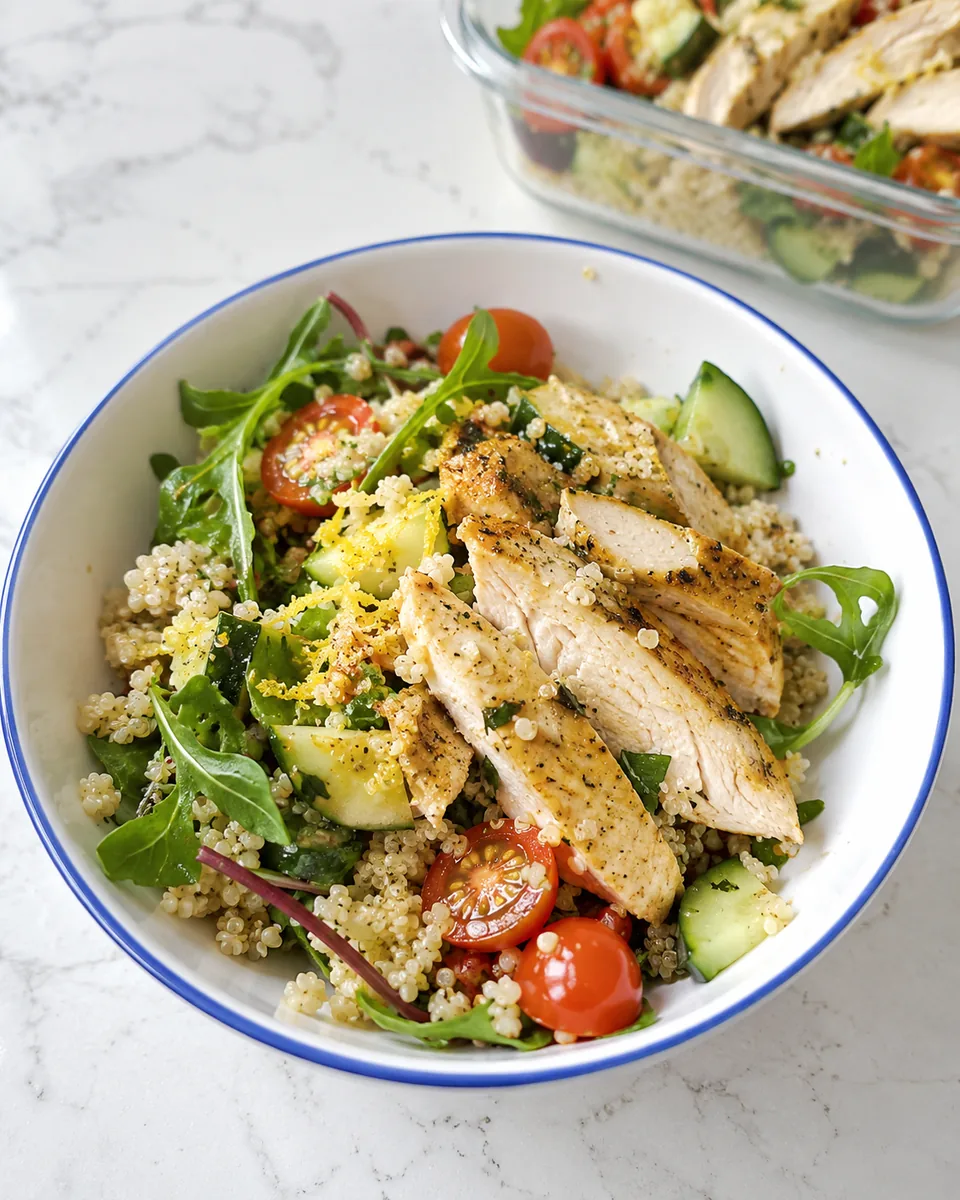
Try a small example. On Monday, enter lentil bolognese, paste its recipe URL and record the number of people eating. On Tuesday, add chicken quinoa bowls. For your late-finish evening, choose a familiar quick meal rather than a recipe you have never read.
Leave a row labelled “flexible” where plans are uncertain. A blank slot can be more truthful than a carefully selected meal you already know you will not make. Once the week is filled, read each recipe and check equipment, preparation and ingredients before treating the menu as finished.
Keep a small recipe library
On a second sheet, record recipe name, link and a short note about when it fits. Useful notes are “one pan”, “good for serving separately”, “needs oven space” or “usually have these ingredients”. These tell you more about your week than a vague rating out of ten.
Begin with ten or twelve recipes you genuinely want to cook. A library of hundreds can make choosing slower. Include a few meals you can assemble without following a recipe, such as a jacket potato with beans or a bowl made from suitable prepared components. Link to our pantry dinner ideas for a short fallback list.
Build the shopping list by checking quantities
You can copy ingredients from our recipe pages and paste them into a shopping sheet. At first, combine duplicates by hand. “One onion” and “150 g onion” are not identical entries, and a formula cannot reliably decide whether a whole pepper will be enough for a recipe measured in grams.
Group the list into produce, chilled, cupboard and freezer. Add the quantity you need, then a separate note for what is already available. Only the difference belongs on the shopping list. Leave space for household basics that are not part of the dinner plan: milk, breakfast ingredients and anything needed for packed lunches.
If you enjoy formulas, add them after the manual system works. A simple checkbox for “already have” is often more useful than an automatic total that silently combines incompatible units.
Make it usable on a phone and easy to repeat
Freeze the header row, wrap long text and keep the most-used columns on the left. Avoid merged cells in the main table: they make sorting and copying awkward. Use a readable font and test whether the recipe links are easy to tap before adding decorative formatting.
Duplicate a clean template each week rather than overwriting useful notes. Keep completed weeks in an archive so you can borrow a successful combination later. If you share the file with your household, give it a clear name and agree where changes should go. A shopping-list edit should not accidentally replace the dinner plan.
Prefer paper? The same columns work in a notebook. Our forthcoming Healthy Living Starter Pack includes planned weekly and monthly meal-planner printables. You can also start with the family meal-planning guide and use whichever format you will actually open.